
 08 July 2026
 Share
Share
1
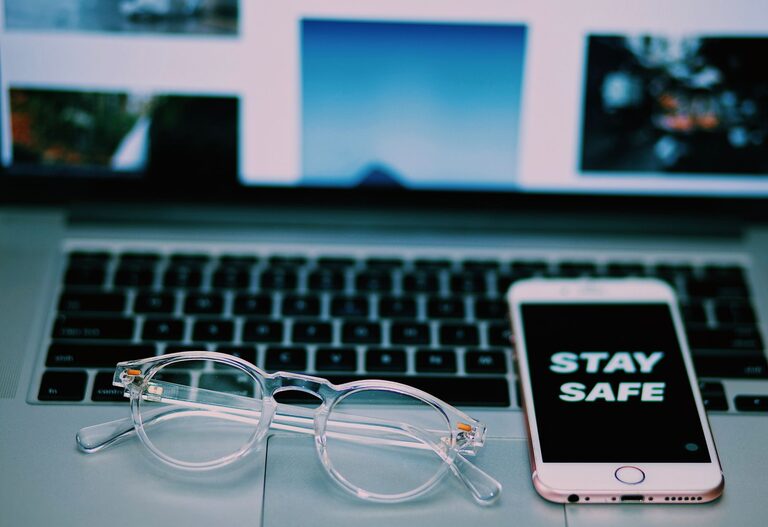
Keeping your phone and keyboard clean is essential not just for hygiene but also to ensure they function properly over time. With everyday use, these devices can accumulate dust, oils, and germs, which may degrade their performance or affect your health. In this guide, we’ll walk you through safe and effective ways to clean your phone and keyboard without causing any damage.
Phones and keyboards are among the most frequently touched objects. This constant contact means they can harbor bacteria and dirt, sometimes more than you might expect. Regular cleaning helps:
– Remove germs and allergens
– Prevent sticky keys or buttons
– Maintain the appearance and longevity of your device
Now, let’s explore how to clean these devices safely.
Before you start, gather the following supplies:
– Microfiber cloths (soft, lint-free)
– Isopropyl alcohol (70% or less) or electronics-safe cleaning wipes
– Cotton swabs
– Compressed air canister (optional)
– Small brush or soft paintbrush
– Distilled water (if needed)
Avoid harsh chemicals, bleach, or abrasive materials, as they can damage your device.
—
Phones are sensitive electronic devices. Here’s how to clean them without harming their screens or interiors.
Always turn off your phone and disconnect any cables before cleaning. This reduces the risk of electrical damage and helps you clean all surfaces safely.
Take off any cases, screen protectors, or accessories. You can clean the case separately according to its material (silicone, leather, plastic).
Using a dry microfiber cloth, gently wipe the phone’s screen and body to remove dust and fingerprints.
Lightly dampen the cloth with a mixture of equal parts distilled water and isopropyl alcohol or use commercially available electronics wipes. Avoid excess moisture, and never apply liquids directly to the phone.
Gently wipe the phone’s surface, focusing on areas like the screen, back, and edges.
Dust can accumulate in charging ports and speaker grilles. Use a can of compressed air to blow out debris or gently brush it away with a small, soft brush. Be careful not to insert anything sharp.
Use a dry microfiber cloth to remove any remaining moisture. Allow the device to air dry completely before powering it back on or reinstalling the case.
—
Keyboards, especially those used daily, can collect crumbs, dust, and oils from your fingers. Here’s how to clean them effectively.
For wired keyboards, unplug them from the computer. For wireless models, turn them off and remove batteries if possible.
Turn the keyboard upside down and gently shake or tap it to dislodge loose debris like dust and crumbs.
Spray compressed air between the keys at an angle to blow out hidden dust. Use short bursts to avoid moisture buildup.
Dampen a microfiber cloth with a small amount of isopropyl alcohol or electronics-safe cleaner and wipe the keys and keyboard surface. Avoid letting any liquid seep beneath the keys.
Moisten cotton swabs with alcohol-based cleaner and carefully clean between keys to remove grime and oils.
If your keyboard keys are removable, check the manufacturer’s instructions about removing them safely. You can soak keycaps in warm, soapy water (not the keyboard itself) and clean the base separately.
Ensure everything is completely dry before reconnecting or powering on the keyboard.
—
– Wash your hands before use to reduce transfer of oils and dirt.
– Clean your devices regularly—weekly or biweekly is ideal.
– Avoid eating near your keyboard and phone.
– Use screen protectors and keyboard covers that are easier to clean.
– Store devices in clean, dry places when not in use.
—
– Never spray liquids directly onto devices.
– Avoid using household cleaners like bleach, window cleaner, or ammonia.
– Don’t use abrasive cloths or paper towels which can scratch surfaces.
– Avoid excessive moisture which can damage internal components.
—
Cleaning your phone and keyboard doesn’t have to be complicated or risky. With the right tools and methods, you can keep your devices sanitary and performing well. Regular, gentle cleaning prolongs the life of your gadgets and contributes to a healthier workspace.
Remember to always consult your device’s manufacturer guidelines if you’re unsure about specific cleaning instructions. Staying safe and careful during the cleaning process is key!
Happy cleaning!
